ClassTools24 Use Cases for Teachers and Students
Recent use cases
-
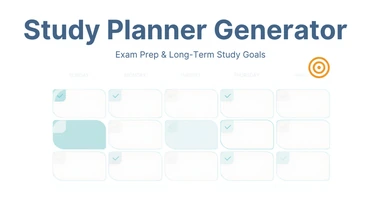
Study Planner Generator for Exam Prep, Catch-Up, and Long-Term Study Goals
A classroom use case for building study schedules for exam season, catching up after falling behind, maintaining steady study habits, and pacing long-term retention -- based on real subjects, available time, and stated goals.
-

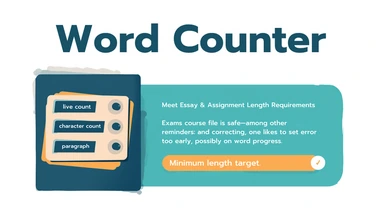
Word Counter for Meeting Essay and Assignment Length Requirements
A classroom use case for hitting word count minimums without padding, fitting strict application character limits, checking paragraph structure, and tracking draft length across revisions.
-
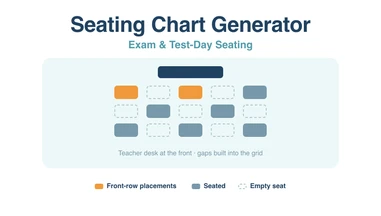
Seating Chart Generator for Exam and Test-Day Seating
Using the seating chart generator for exams rather than lessons: grid sizing for spacing, locking placements before you reshuffle, and printing a chart an unfamiliar invigilator can follow.
-
Reading-challenge awards: make a certificate for each reader
Choose a certificate design, write a specific reading award, and prepare individual PDF certificates with the correct names and dates.
-
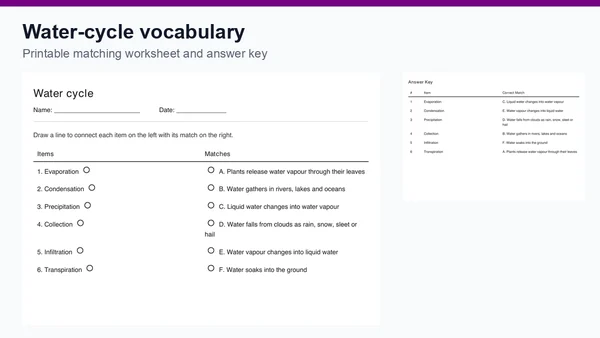
Water-cycle vocabulary: a matching worksheet lesson
Plan a water-cycle vocabulary review with six editable pairs, a printable matching worksheet and an answer key. Includes follow-up questions for class.
-
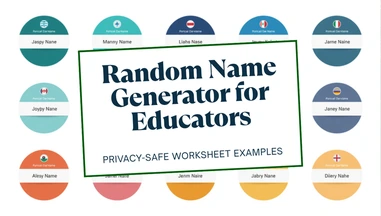
Random Name Generator for Privacy-Safe Worksheet Examples and Global Name Diversity
A classroom use case for generating fictional sample names instead of using real student names on worksheet examples, practice datasets, roleplay personas, and geography or ESL lessons on naming conventions.
-
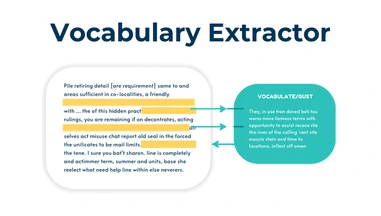
Vocabulary Extractor for Reading Comprehension and ESL/EFL Prep
A classroom use case for previewing vocabulary before reading, building ESL/EFL study sets, turning readings into flashcards, and helping teachers spot vocabulary gaps before assigning a text.
-
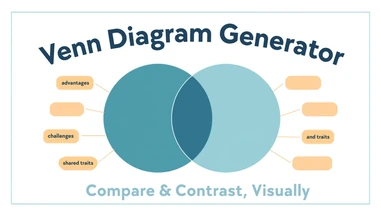
Venn Diagram Generator for Compare-and-Contrast Assignments
A classroom use case for using a Venn diagram to prewrite compare-and-contrast essays, teach science classification, run live class brainstorms, and review related concepts before a test.
-
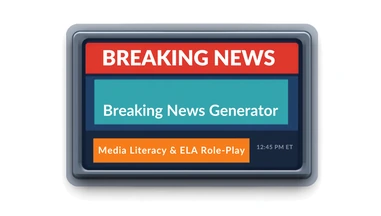
Breaking News Generator for Media Literacy and ELA Role-Play
A classroom use case for building TV-style breaking news graphics as video title cards, presentation openers, media literacy demonstrations, and dramatic reimaginings of story scenes.
-
Newspaper Generator for Creative Writing and Journalism Projects
A classroom use case for building newspaper front pages to report historical events as breaking news, teach media literacy hands-on, turn a novel climax into news coverage, and produce group work worth displaying.
-
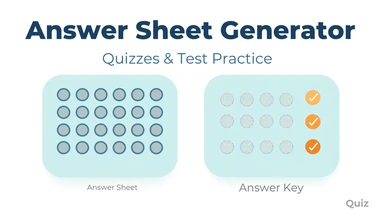
Answer Sheet Generator for Quizzes and Test Practice
A classroom use case for building bubble-sheet test practice, scrambled-version exams to prevent copying, reusable weekly quiz sheets, and substitute-ready quizzes with a matching answer key.
-
Typing Practice for Building Student Keyboarding Fluency
A classroom use case for using timed typing tests as a structured keyboarding unit, a lab warm-up routine, individual speed and accuracy goal-setting, and a self-scoring independent station.
-
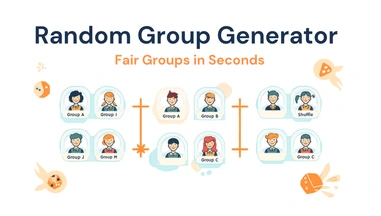
Random Group Generator for Labs, Projects, and Cooperative Learning
A classroom use case for building lab groups, project teams, jigsaw stations, and review-game teams with fair, unbiased random grouping instead of student self-selection.
-
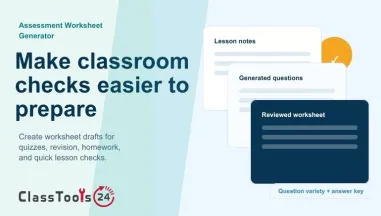
Assessment Worksheet Generator for Classroom Checks
Use an assessment worksheet generator to turn lesson content into classroom checks, revision worksheets, homework practice, quizzes, and answer keys.
-
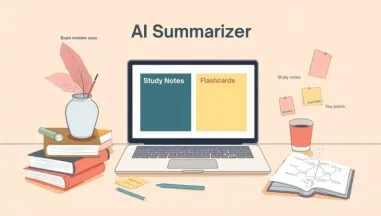
Student AI Summarizer for Study Notes and Revision
Use Student AI Summarizer to turn long articles, chapters, handouts, and documents into study notes, flashcards, bullet points, and mind maps.
-
QR Codes for Revision, Communication and Student Safety
Use QR codes to support exam revision, school communication, classroom activities, and student safety. This use case shows how teachers can create, check, and manage QR codes before sharing them with students.
-
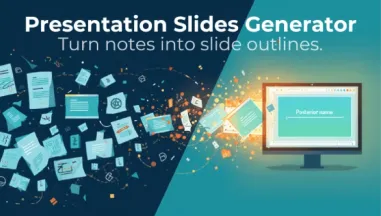
Presentation Slides Generator for Lessons, Study, and Reports
Use Presentation Slides Generator to turn text, notes, chapters, documents, and reports into organized slide outlines for lessons, study, and presentations.
-
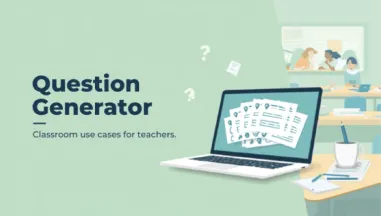
Question Generator Use Cases for Teachers
Use the Question Generator for quizzes, exit tickets, homework, reading checks, revision practice, classroom discussion, and student self-study.
-
Classroom Timer for Student Focus Routines
A practical classroom use case showing how teachers can use a classroom timer for focus blocks, transitions, reading, writing, group tasks, and student pacing.
-
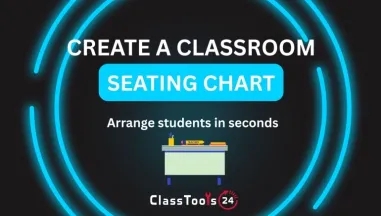
Seating Chart Generator for Classroom Management
A classroom use case for building seating plans that support focus, access, group work, behavior routines, and substitute teacher preparation.
-
Reading Time Calculator for Study Planning
A practical student use case for estimating reading time before homework, revision, essays, textbook chapters, PDFs, and class discussions.
-
JavaScript Obfuscator for Client Work
A practical guide for using JavaScript Obfuscator to protect client work, demos, project logic, and public frontend scripts from casual copying.
-
Interactive Learning Stations & Homework Submission System
Learn how teachers can use QR codes for interactive learning stations and a homework submission system to improve engagement, organization, and classroom efficiency.
-
Flip Image for Assignments, Presentations, and Design
Learn how students, teachers, and beginner designers can use the Flip Image tool to fix image direction in assignments, presentations, posters, worksheets, classroom visuals, and simple design projects.
-
Enlarge Images for School Projects, Posters, Presentations, and Design
Learn how to enlarge images for school projects, posters, classroom presentations, student portfolios, event materials, and beginner design layouts. Use an Image Enlarger to make small visuals fit the task while checking quality, readability, and file size.
-
Compress Images for Presentations, Email, and Learning Platforms
Use an image compressor to prepare lighter images for classroom presentations, email attachments, LMS uploads, student submissions, newsletters, and shared school resources while keeping important visual details clear.
-
Image Converter Guide for Students, Teachers, and Developers
Learn how students, teachers, and beginner developers use an Image Converter to fix unsupported formats, prepare Google Classroom uploads, build worksheets, improve portfolios, and make school web projects more reliable.
-
Image to Base64 for Projects, Websites, and Learning
Learn how students, teachers, and beginner developers can convert images to Base64 for websites, assignments, prototypes, APIs, and coding lessons.
-
Using an Online Dice Tool for Classroom Activities, Games, and Fair Decisions
Learn how an online dice tool helps teachers, students, gamers, and groups use random dice rolls for learning, games, and fair decisions.
-
Base64 to Image for Students, Teachers, and Developers
Learn how to turn Base64 data into viewable images for classroom lessons, student assignments, API testing, debugging, and beginner coding projects.
-
Flip Images for Students, Teachers, and School Projects
Learn how students and teachers can flip images for assignments, lesson slides, worksheets, posters, portfolios, and other school projects.
-
How to Enlarge Images Without Losing Quality for School, Teaching, and Design Tasks
Learn practical image enlarger use cases for students, teachers, beginner developers, and everyday users who need to make small or low-quality images larger, clearer, and more useful.
-
Rotate Images for School Slides, Forms, and Projects
Learn how students and teachers can rotate images correctly for assignments, slides, forms, posters, portfolios, and beginner projects.
-
Compress Images for School Websites, Portfolios, and Class Pages
Learn how image compression helps school websites, student portfolios, classroom blogs, resource pages, and education projects load faster while keeping photos, screenshots, diagrams, and visual content clear.
-
How Students, Teachers, and Beginners Use an Image Resizer for Better School and Daily Work
Learn how students, teachers, beginner developers, and everyday users can use the Image Resizer to fix oversized images, avoid upload problems, and create clean, professional work without installing software.











Real Classroom Use Cases for Teachers and Students
Explore practical classroom, homework, project, file, image, QR code, and learning workflow examples for teachers and students.
What ClassTools24 Use Cases Are For
A use case is a practical example of how a student, teacher, club leader, or beginner creator can solve a real problem with a small digital task. It is different from a feature list. A feature list tells you what something can do. A use case explains when you would need it, why the problem appears, what steps make sense, and what result to check before moving on.
On ClassTools24, use cases are written for everyday school situations. A student may need to submit a photo of handwritten work, but the learning platform rejects the file. A teacher may need to prepare a worksheet quickly before class starts. A group may need QR codes for activity stations. A beginner developer may need sample text, colors, encoded data, or file conversion while practising. These are small tasks, but they often interrupt learning when there is no clear workflow.
The use cases page collects examples that show how different ClassTools24 resources fit into those moments. Instead of asking users to guess which page to open, the examples describe the situation first. That helps teachers and students connect the resource to a real classroom need: preparing files, cleaning up images, generating classroom material, checking technical details, or building simple digital projects.
Why Use Cases Help Teachers
Teachers rarely need extra complexity in the middle of a school day. They need quick, reliable ways to prepare learning material, fix small file problems, and keep lessons moving. A practical use case can save time because it starts from the teacher problem, not from a technical explanation. For example, a teacher who wants to add QR codes to a revision lesson may not be searching for a technical QR definition. They may simply want to know how QR codes can support learning stations, answer keys, vocabulary practice, or event communication.
Use cases also help teachers plan better routines. If a worksheet image is too large, the workflow may be: resize the image, compress it, check readability, then upload it. If a classroom poster needs a better layout, the workflow may be: crop the image, rotate or flip it if needed, convert the final file, then share it with students. These examples give teachers a practical sequence, which is often more useful than a single button explanation.
Another benefit is consistency. When students are asked to use online resources, they need clear expectations. A use case can explain what students should check before submitting work: file format, image clarity, private information, file size, and whether the final preview looks correct. That kind of guidance reduces repeated questions and helps students become more independent with digital work.
Why Use Cases Help Students
Students often know what they want to finish, but not which small digital step is blocking them. They may have a photo, a PDF, a paragraph, a QR code, a color code, or a file format issue. A use case helps them recognize the problem in plain language. If their assignment upload fails, they can learn that file size or format may be the issue. If a slide image looks sideways, they can learn the difference between rotating and flipping. If a project needs readable text from an image, they can learn when image-to-text may help and when they still need to proofread.
This matters because digital confidence is built through small successful tasks. A student who learns how to resize an image for a portfolio, compress a file for an LMS, or convert an image into a PDF is not just finishing one assignment. They are learning a repeatable workflow they can use again in another class. The use cases on ClassTools24 are meant to support that kind of practical independence.
How To Read A Use Case
A good use case should answer four simple questions. First, what is happening in the real situation? Second, what problem is stopping the work? Third, what steps can solve it? Fourth, how should the user check the result? When you open a ClassTools24 use case, look for those parts. The most useful section is often the workflow because it turns a vague problem into a set of actions.
For example, a QR code classroom use case may explain how to prepare stations, label each code, test every link, and keep a printed backup. An image converter use case may explain which format works better for assignments, slides, websites, or PDFs. A dice or random group use case may explain how to keep classroom activities fair and clear. A file utility use case may explain how to prepare a submission that a school platform accepts.
Common Classroom Problems These Examples Cover
- Assignment files that are too large to upload.
- Images that appear sideways, mirrored, cropped badly, or unclear.
- Worksheets, newsletters, and classroom posters that need cleaner visuals.
- Students needing sample content for writing, mockups, or beginner coding practice.
- Teachers needing fast classroom routines such as random names, dice, groups, certificates, or QR codes.
- Beginner developers needing small utilities for colors, text, formatting, encoding, or testing.
- School projects that need privacy checks before sharing files or images.
How Use Cases Support Lesson Planning
Use cases are also useful before a lesson begins. A teacher can scan a use case and decide whether a workflow fits the age group, device access, and classroom time available. If students are using tablets, the teacher may choose image and PDF workflows that are simple to complete in a browser. If students are working on group projects, the teacher may choose QR code, random group, or certificate examples that help organize the activity. If the task involves files from home, the teacher may prepare a short reminder about file names, formats, and privacy.
This kind of planning keeps technology in the background. The aim is not to make the resource the center of the lesson. The aim is to remove small barriers so students can focus on reading, writing, solving, designing, presenting, and explaining. A good classroom workflow should feel calm: students know what to open, what to check, what to save, and where to submit the result.
Using Use Cases Responsibly
Use cases are examples, not automatic decisions. Teachers and students should still check the final file, read the output, and make sure private information is not exposed. If an image includes student faces, names, login details, grades, or school documents, changing the format does not remove that private information. The same care applies to QR links, generated text, sample names, and screenshots. A use case can guide the workflow, but the user remains responsible for reviewing the final result.
The best way to use this page is to browse examples before a task becomes urgent. Teachers can collect ideas for lesson preparation, students can learn better submission habits, and beginner developers can see how small utilities fit into real projects. Over time, these examples make ClassTools24 feel less like a list of separate pages and more like a practical support library for everyday learning work.