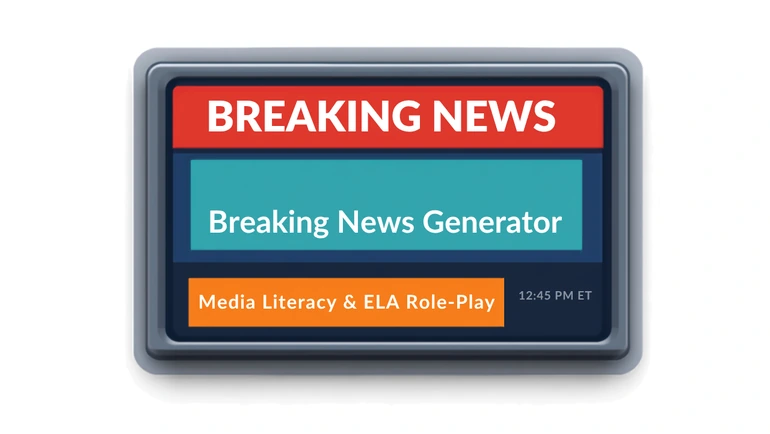
Build a broadcast-style news graphic — headline, ticker, timestamp, and background image — for video openers, presentations, and media literacy lessons.
Video Project Or Printed Page — Pick The Right Format First
If the assignment ends as a slide dropped into a video project or the opening of a presentation, a widescreen frame is the right shape to build in. If it ends as something printed and handed around the room, a tall page is. That distinction decides which of this site's two news-format tools actually fits before a single word gets typed.
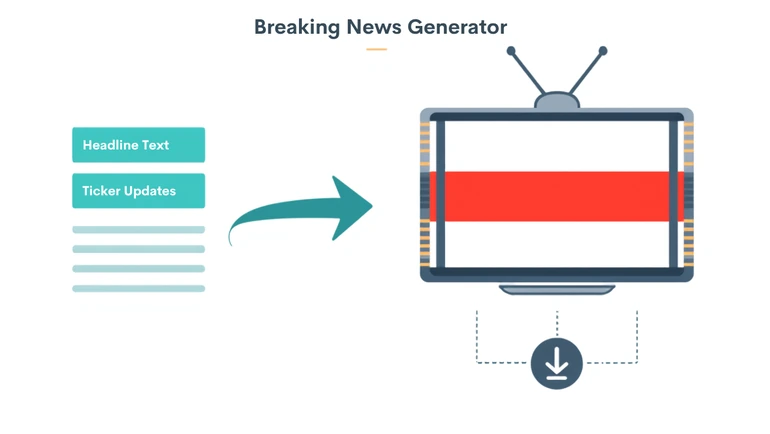
The Breaking News Generator is built for the first case: a red "BREAKING" banner, a scrolling ticker along the bottom, a timestamp in the corner — every student has seen this exact visual language before, usually without ever thinking about why it works. It composites a headline, an updates line, a time, and a background photo onto one 1280×720 frame, a standard widescreen video size, and downloads the result as a single image. A separate Newspaper Generator covers the print-page look instead; the two aren't interchangeable, and picking the wrong one means rebuilding the same content in the other shape later.
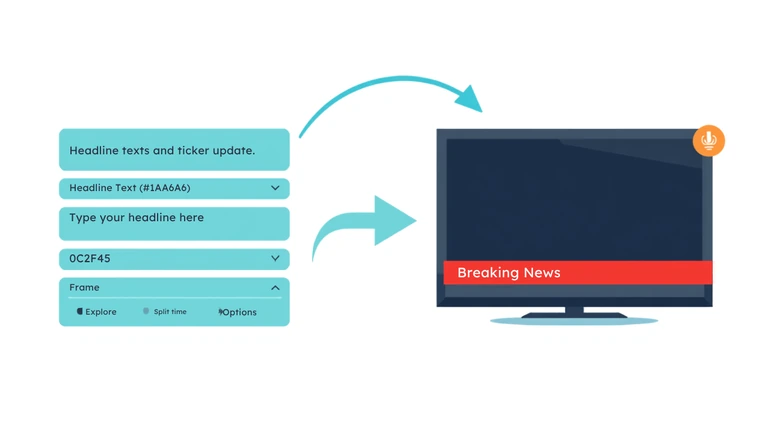
The layout has four inputs: a headline, a single-line "latest updates" ticker, a time, and a background photo. All four get composited together automatically — a LIVE badge, the BREAKING NEWS strap with the headline in bold caps beneath it, the ticker running along the bottom in yellow, and a time box in the corner. There's no design decision left for the student to make beyond choosing what those four pieces say and picking a background image that still reads clearly once text is laid over it.
How the Background Photo Gets Placed
A photo isn't required to build the graphic — leave it out and everything still renders normally, just with the badge, strap, headline, and ticker sitting over a plain dark panel instead of an image. Upload one, and it's automatically scaled and centered to fill the full 1280×720 frame rather than being shrunk to fit with empty space around it. That means a photo with a different shape than a widescreen frame gets its edges trimmed off in the crop — a tall portrait shot loses noticeably more off the top and bottom than a wide one does. Choosing an image that's already close to widescreen, with the important part near the middle, keeps the crop from cutting into anything that matters.
Where This Gets Used
A student recording a short video presentation can generate a graphic with their topic as the headline and use it as the opening still before the talking starts, rather than launching straight into narration with no visual lead-in. A science or research presentation can open the same way, framing a finding as something worth paying attention to before the explanation begins. An English class analyzing a dramatic scene from a novel or play can rewrite the scene's key moment as a live bulletin — a headline for the moment's drama, an updates line for a second beat of information — which asks students to identify what made the moment urgent rather than just summarizing what happened. None of this requires video editing skill or design software; the whole graphic takes about as long to build as it takes to type the four fields.
The Media Literacy Angle
The more deliberate classroom use is turning the graphic itself into the lesson. "Breaking news" styling is a design choice meant to signal urgency, not a neutral marker that something is actually important — and that's a much easier point to make by having students build the effect themselves than by only discussing it. A useful exercise: take something genuinely minor and dress it up in full breaking-news styling, then take something genuinely significant and present it plainly, and compare how differently each one reads regardless of what it actually says. Seeing the effect work on content they chose themselves tends to land harder than being told about it.
What to Watch For
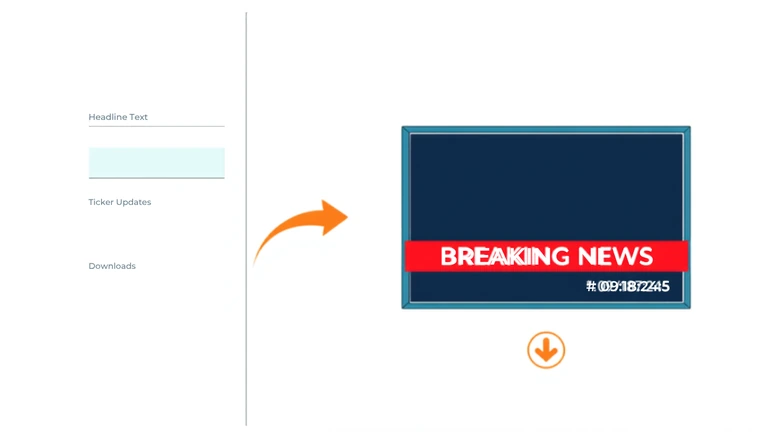
This is a design format, not a fact-checking tool — a headline styled as breaking news looks exactly as convincing whether the claim behind it is true or not, which is worth stating explicitly to students rather than assuming they'll notice on their own. A background image that's busy or highly detailed also tends to fight with the text laid over it once composited; a simpler image usually reads better in the finished graphic. The graphic itself always lays out left-to-right, too, even when it's built from one of the site's right-to-left language pages — the headline, ticker, and time box sit in the same corners either way, since the layout is fixed rather than mirrored to match the page around it. Once a broadcast-style opener is built and a presentation needs the rest of its slides, a Presentation Slides Generator can build out the remainder around it.
A science-presentation opener for a lesson on a newly discovered species might set the four fields to:
- Headline: NEW SPECIES DISCOVERED IN DEEP OCEAN TRENCH
- Updates ticker: Marine biologists confirm findings after three-year expedition
- Time: 14:32
- Background: a wide underwater photo, close to widescreen so the automatic crop doesn't trim much
That's the whole graphic — no design decisions left beyond those four fields and the image itself.
Privacy
The background photo is processed entirely in the browser and is never uploaded anywhere. For fictional, historical, or general classroom topics, no student data is involved at all. If a graphic is ever built around a real school event, only use images and names appropriate to share publicly, and check with a teacher before including a photo of another student without their knowledge.
FAQ
How is this different from the Newspaper Generator?
This builds a broadcast-style TV graphic — headline, ticker, and timestamp over a background image — sized for video and presentations. The Newspaper Generator builds a print-style front page with a masthead, byline, and body text, meant to be printed or displayed rather than dropped into a video.
Does the time field need to match the real time?
No — it's a plain text field, not tied to the actual clock, so it can be set to whatever fits the context: a real-feeling live moment for a broadcast-style project, or left as a stylistic detail for a purely creative piece.
What image works best as a background?
Something simple and clear enough to still read well with text laid over it, and roughly widescreen in shape so the automatic crop doesn't need to trim much — a busy, highly detailed, or very tall photo tends to lose more in the crop and makes the headline and ticker harder to read once everything is composited.
Does a background photo have to be uploaded?
No. Without one, the graphic still renders normally over a plain dark background, which works fine for a quick text-only graphic when there's no suitable image on hand.
How is the finished graphic saved?
It downloads as a single, high-resolution image, saved with a .jpg file name — well beyond the 1280×720 size shown on screen, so it holds up projected large or used as a small video thumbnail — ready to drop into a video, a presentation, or a classroom display.
The Same Design Choices Either Way
Whether the goal is a strong opening hook for a real presentation or a hands-on lesson about how broadcast urgency gets manufactured, the graphic is built from the same four small decisions: a headline, an update, a time, and an image. Making one is quick either way — what changes is what the class does with it afterward.
 This article is about
Breaking News Generator for Classroom Projects
Open the tool
This article is about
Breaking News Generator for Classroom Projects
Open the tool