Make a worksheet from your own pairs, or start with a classroom example.
Make a matching worksheet
Start with a set above, or clear it and enter your own pairs. Put each term, question or phrase on the left and its answer on the right. You can also paste two columns from a spreadsheet. The preview updates as you edit.
Choose how students answer
Use Draw Lines for connecting pairs, Cut & Match for separate paper cards, or Write the Match for a numbered list with a lettered word bank. Leave the answer key selected to add a separate solutions page. Versions A, B and C each get their own shuffle; they can still share some answer positions by chance.
Before you print
Choose A4 or Letter and check the downloaded PDF for page breaks. Keep each item under 300 characters and use at least two complete pairs; the limit is 200 pairs. Longer entries are shortened when the PDF is generated. The preview and PDF can have different shuffled orders.
Keep a copy of your pairs
The examples remain available here, but your edits are not saved when you close or reload the page. Copy your own pairs into a spreadsheet or text file before leaving. Download your PDF promptly; generated files are temporary. This is a text-based printable activity, not an online game or picture-matching tool.
Related use cases
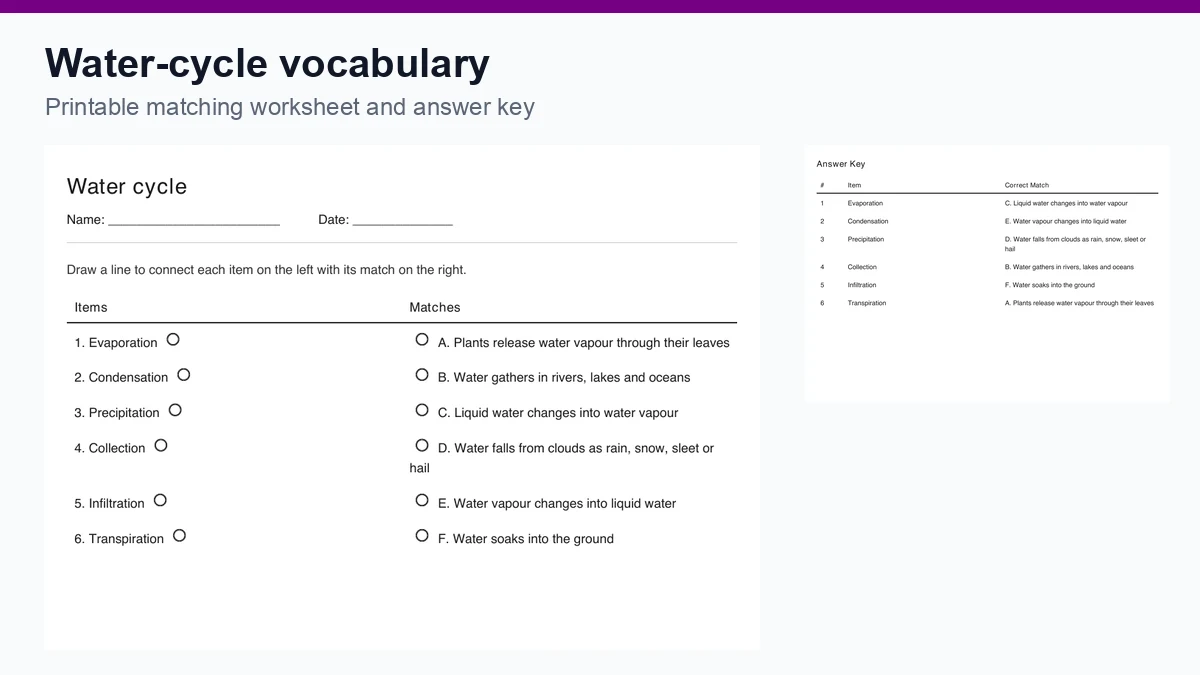
Water-cycle vocabulary: a matching worksheet lesson
Plan a water-cycle vocabulary review with six editable pairs, a printable matching worksheet and an answer key. Includes follow-up questions for class.
Read use case


