Convert HTML entities into readable characters for coding lessons, content editing, debugging, and data cleanup
A student copies a code example from a learning platform and sees text such as <h1> instead of an actual <h1> tag. In another project, a teacher exports a list of questions and discovers that apostrophes, quotation marks, ampersands, and mathematical symbols appear as unfamiliar character references.
The content may have been HTML encoded so that special characters could be stored or displayed without being interpreted as webpage markup. An HTML Decode tool converts those entities back into their corresponding characters.
Decoding helps people read escaped text, inspect saved code samples, diagnose repeated encoding, and clean imported content. It must still be handled carefully. Decoded text may contain HTML tags or scripts that should be displayed as plain text rather than executed inside a webpage.
This guide explains what HTML entities are, how decoding works, where it supports real educational and development tasks, and how to review the result without creating security problems.
What HTML-Encoded Text Looks Like
HTML uses certain characters as part of its markup. The less-than and greater-than signs surround tags, the ampersand begins a character reference, and quotation marks often surround attribute values.
When these characters need to appear as ordinary text, they can be represented with HTML entities:
| Encoded Form | Decoded Character | Common Meaning |
|---|---|---|
&lt; |
< |
Less-than sign |
&gt; |
> |
Greater-than sign |
&amp; |
& |
Ampersand |
&quot; |
" |
Double quotation mark |
&#039; |
' |
Apostrophe or single quotation mark |
&nbsp; |
Non-breaking space | A space that discourages a line break |
&copy; |
© | Copyright symbol |
Entity references can be named, such as &copy;, or numeric, such as &#169;. Both can represent the copyright symbol.
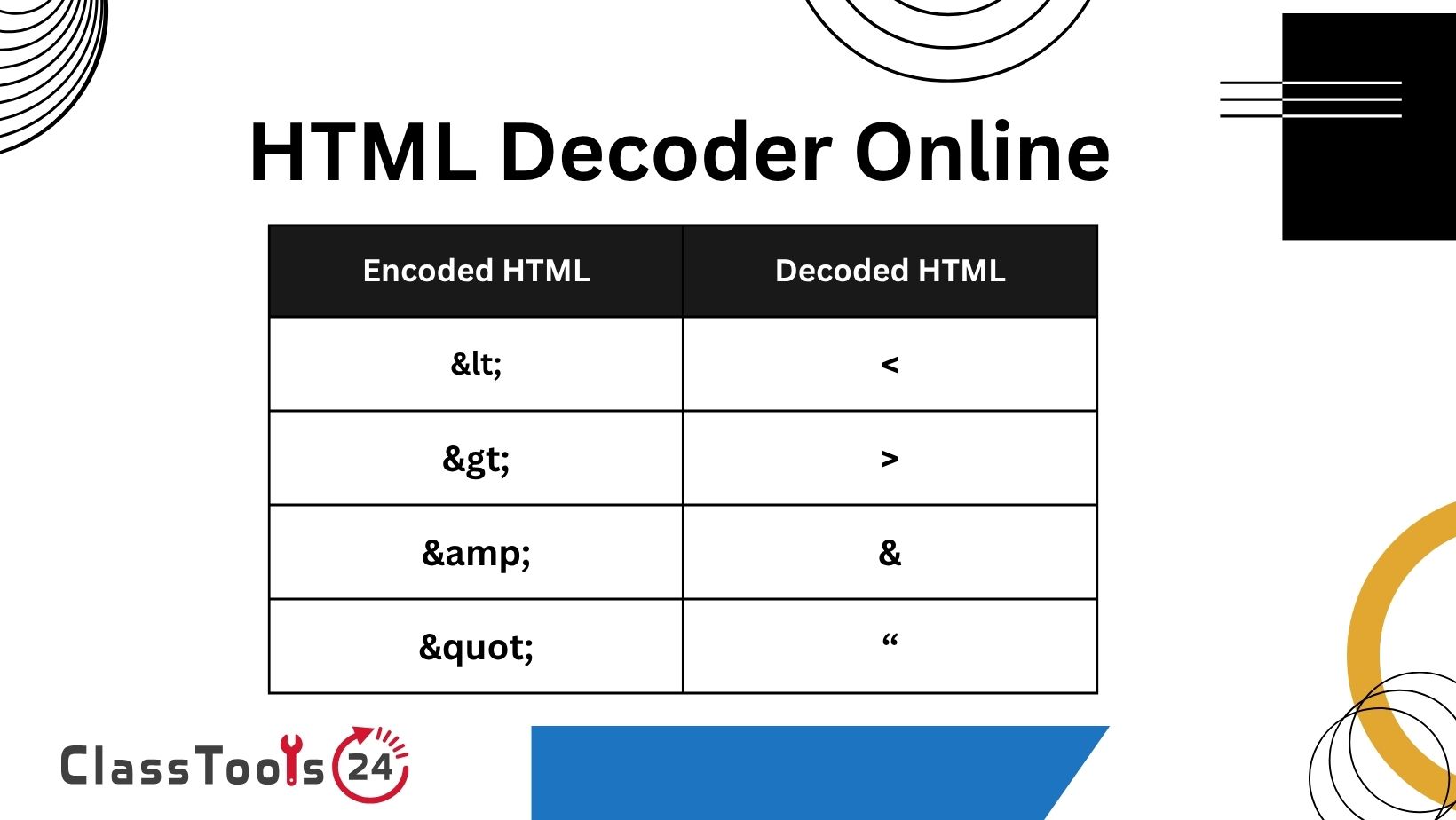
Encoding and Decoding Are Opposite Tasks
HTML encoding converts special characters into entity references. HTML decoding converts those references back into readable characters.
Original:
<p>Tom & Sara</p>
Encoded:
<p>Tom & Sara</p>
Decoded:
<p>Tom & Sara</p>The HTML Encode Tool is useful when tags or symbols must be shown as text. The HTML Decode tool performs the reverse operation when those entities need to be inspected or restored.
Neither operation decides whether the resulting content is trustworthy. Encoding and decoding are representation tasks, not automatic security approval.
How to Decode HTML Entities
- Copy the encoded text. Include the complete entity references, including their ampersands and semicolons.
- Paste it into the HTML Decode tool. Check that the beginning and ending text were copied correctly.
- Run the decoding process. The tool converts recognized entities into their corresponding characters.
- Review the output as plain text. Look for HTML tags, scripts, unexpected links, or malformed characters.
- Compare it with the source. Confirm that normal text and intended symbols remain present.
- Copy the decoded result. Place it only in a location appropriate for its content.
- Test the destination. If the output enters a webpage or application, confirm that it is handled safely.
- Keep the original input. It may be needed if the text was encoded more than once or decoded incorrectly.
A Diagnostic Question: What Kind of Decoding Do You Need?
Not every unreadable string uses HTML entities. Choosing the wrong decoder produces no useful result.
Does the Text Contain References Such as &lt; or &quot;?
Use HTML decoding. These patterns represent characters used in webpage content and markup.
Does the Text Contain Percent Sequences Such as %20 or %3F?
That is likely URL encoding. Use the URL Decode tool rather than HTML Decode.
Does the Text Look Like a Long Mixture of Letters, Numbers, Plus Signs, and Slashes?
It may be Base64. Use the Base64 Decode tool when the source is known to contain Base64-encoded text.
Does the Text Contain Backslash Sequences Such as
or u003C?
It may be escaped for JSON or a programming language. Review the format that produced it before selecting a decoding process.
Does the Text Display Black Diamonds or Replacement Characters?
The problem may involve character encoding, font support, or damaged data rather than HTML entities. Repeated HTML decoding is unlikely to repair it.
Real Educational and Development Use Cases
1. Reading Code Examples From a Webpage
A teacher prepares an HTML lesson and intentionally encodes tags so students can see them instead of having the browser interpret them.
A student later copies the displayed example into a code editor, but the copied text still contains entity references. The student decodes the sample and saves it as an HTML file.
After formatting it with the HTML Beautifier, the student inspects the tag structure and tests the page in a browser.
2. Cleaning an Exported Question Bank
A teacher exports quiz questions from an older platform. Several questions display & instead of an ampersand and " around quotations.
The teacher first keeps a backup of the export, then tests decoding on a small sample. The result is compared with the original questions before the larger set is processed.
This controlled approach prevents a second decoding pass from damaging text that was already correct.
3. Diagnosing Double Encoding
A beginner developer expects < but sees < on the webpage. The original less-than sign may have been encoded twice.
Original character:
<
Encoded once:
<
Encoded twice:
&lt;The developer traces the data through the form, database, template, and browser output. Instead of decoding repeatedly at random, the developer identifies where the second encoding occurred.
The correct long-term repair is to encode output at the proper boundary rather than continually decoding stored values.
4. Inspecting API or Database Content
A student receives an API response containing article text with entities. The student decodes one sample to understand how it should appear to the reader.
The decoded value is treated as data, not automatically inserted as trusted HTML. The student checks the API contract to determine whether the field contains plain text, encoded markup, or content that needs sanitization.
This distinction prevents the application from confusing readable text with executable webpage content.
5. Restoring Mathematical and Scientific Symbols
An imported lesson contains numeric character references for comparison signs, Greek letters, or mathematical symbols. Students find the source difficult to read.
The teacher decodes a copy and checks every formula against the original material. Symbols are especially important because a changed inequality sign, minus sign, or superscript can alter the meaning of a question.
Decoding is followed by subject review rather than assumed to be correct automatically.
6. Preparing Content for Translation
A translation file contains sentences mixed with HTML entities. The translator needs to read the visible punctuation while preserving placeholders and markup.
A test copy is decoded for inspection, and variables or template markers are protected. After translation, the content is placed back into the expected format and tested in context.
Directly decoding an entire template without understanding its structure could alter content that the application requires.
7. Debugging User Comments
A school website displays an encoded apostrophe in a student comment. A developer checks whether the comment was encoded during input, stored encoded in the database, and encoded again during output.
The developer repairs the data flow instead of adding a decoding call to every page. Stored content, output escaping, and display context are reviewed separately.
This reduces the chance that a quick display fix creates a security issue elsewhere.
8. Comparing Visible Text With Source Markup
Students studying web development receive one encoded paragraph and one rendered paragraph. They decode the source, identify the tags, and explain which parts create structure and which parts are visible content.
The exercise teaches that a browser interprets markup while code examples often need encoding to remain visible.
HTML Decode Compared With Related Tools
| Input Example | Likely Format | Appropriate Tool | Expected Result |
|---|---|---|---|
&lt;h1&gt; |
HTML entities | HTML Decode | <h1> |
Hello%20Class |
URL encoding | URL Decode | Hello Class |
SGVsbG8gQ2xhc3M= |
Base64 | Base64 Decode | Hello Class |
u003Ch1u003E |
Unicode escape sequence | JSON or language-aware parser | <h1> |
&#169; |
Numeric HTML entity | HTML Decode | © |
Common Problems This Solves
- HTML tags appear as entity text instead of readable characters.
- Quotation marks and apostrophes appear as encoded references.
- An ampersand displays as
&in imported content. - A code example copied from a webpage remains escaped.
- A database export contains named or numeric character entities.
- Content appears to have been encoded twice.
- A lesson needs to demonstrate the relationship between source and rendered HTML.
- A developer needs to inspect encoded API or template content.
Common Decoding Mistakes
Decoding Content Repeatedly
One pass may produce the intended text, while another changes content that should remain encoded. Determine why the data was encoded and how many transformations occurred.
Using HTML Decode for URL Data
HTML entities and percent-encoded URL characters are different formats. Select the decoder based on the actual pattern.
Rendering Untrusted Decoded Text as HTML
Decoded content may contain tags, event attributes, scripts, or dangerous links. Treat untrusted output as text unless it has been sanitized for the exact context.
Assuming Decoding Repairs Corrupted Characters
Replacement symbols and unreadable accented characters may come from an incorrect character set rather than HTML entities. Investigate the source encoding.
Changing the Database Without a Backup
A bulk decoding query can alter thousands of values and may not be easy to reverse. Test on a copy, review samples, and create a verified backup.
Removing Entities That Are Needed in Code Examples
A tutorial may intentionally use encoded tags so they remain visible. Decoding them inside the tutorial page could cause the browser to interpret them.
Decoded HTML and Security
Consider this encoded input:
<img src=x onerror="exampleFunction()">After decoding, it becomes an HTML image element with an event attribute. If an application inserts untrusted decoded text directly into the document as HTML, the browser may treat it as active markup.
The safe handling depends on context. Text displayed inside a paragraph, text placed in an attribute, data inserted into a URL, and markup allowed inside a rich-text editor require different protections.
Students should learn three separate ideas:
- Decoding restores represented characters.
- Escaping prepares data for safe display in a particular context.
- Sanitization removes or permits selected markup according to defined rules.
These operations should not be treated as interchangeable.
A Practical Debugging Workflow
- Record the exact text displayed incorrectly.
- Find the raw value before the page renders it.
- Identify whether it uses HTML entities, URL encoding, Base64, or another format.
- Decode one harmless test sample.
- Compare the decoded result with the expected text.
- Trace where the value is created, stored, retrieved, and displayed.
- Identify whether encoding occurs more than once.
- Correct the data flow at the appropriate boundary.
- Test ordinary punctuation, code examples, multilingual text, and malicious input.
- Keep a backup before altering stored content.
This workflow takes longer than adding a random decode function, but it produces a more dependable repair.
Using Decoded HTML in Beginner Projects
When decoded output contains genuine HTML that a student intends to use, save it in a working file and format it with the HTML Beautifier. Then inspect the structure before opening it as a webpage.
Check for:
- Unexpected script tags.
- Inline event attributes.
- Remote images or tracking resources.
- Forms that submit information elsewhere.
- Hidden elements containing unfamiliar data.
- Links to untrusted destinations.
- Missing closing tags and invalid nesting.
- Names, email addresses, tokens, or private records.
Do not run unknown decoded markup merely to see what happens. Use harmless classroom samples and review unfamiliar code with an experienced teacher or developer.
Accuracy Checks for Educational Content
Decoding can restore symbols, but it cannot verify that those symbols are correct. A mathematical question containing &lt; may decode to a less-than sign, yet the original author may have intended greater than.
For language content, inspect apostrophes, quotation marks, accented characters, non-breaking spaces, and punctuation direction. For science and mathematics, check operators, units, superscripts, subscripts, and Greek letters.
For code lessons, compare decoded tags with the intended example. A missing slash in a closing tag or a quotation mark in the wrong position can change behavior.
Privacy and Responsible Use
HTML decoding does not remove student names, faces, grades, email addresses, login information, school records, or private comments. It may simply make previously encoded information easier to read.
Do not paste confidential database exports, private form responses, authentication tokens, or student records into an external decoding tool. Replace sensitive values with fictional examples before testing.
Teachers should use small, harmless samples when explaining encoding. A sentence containing an ampersand and a short code tag can demonstrate the concept without exposing school data.
Frequently Asked Questions
What does HTML decoding do?
It converts recognized HTML entities and numeric character references into their corresponding characters.
What is the decoded form of &lt;?
It decodes to the less-than character, which is used at the beginning of HTML tags.
Why does my text show &amp; instead of an ampersand?
The ampersand was encoded for HTML display. If &amp; appears visibly, the content may also have been encoded more than once.
Is HTML decoding the same as URL decoding?
No. HTML decoding handles entities such as &quot;, while URL decoding handles percent sequences such as %20.
Can HTML Decode repair broken accented characters?
Only when the characters are represented as HTML entities. Text containing replacement symbols may have a character-set or data-corruption problem.
Is decoded HTML safe to insert into a webpage?
Not automatically. Untrusted decoded text can contain active markup. It must be escaped or sanitized according to the exact output context.
Can students use this tool for coding lessons?
Yes. It can help students restore encoded code samples and understand why tags need to be escaped when displayed as text.
Should I decode the same text twice?
Only when you have confirmed that it was encoded twice. Repeated decoding without understanding the source can change content incorrectly.
Does decoding remove private information?
No. Names, records, account details, and other sensitive data remain present and may become more readable after decoding.
Final Thoughts
HTML Decode is useful when special characters have been represented as named or numeric entities. It can restore readable punctuation, recover code examples, clarify imported content, and help developers investigate double encoding.
The main challenge is not pressing the decode button. It is identifying the correct format, understanding why the content was encoded, and deciding how the result should be handled.
Keep the original input, test a small sample, review the decoded text as untrusted data, and avoid placing it directly into a webpage as active HTML. Careful decoding restores readability without turning a content-cleanup task into a security problem.


