Generate customizable Lorem Ipsum text with control over paragraphs, sentences, and content length.
Introduction
When students, designers, or developers create layouts for websites, apps, or documents, one common challenge appears: what text should be used before real content is ready? Many people try to fill empty sections with random words or copy content from other sources, which often looks messy and distracting. This makes it harder to focus on the design structure, spacing, typography, and overall layout.
In classrooms, this problem appears when students are asked to design websites, presentations, brochures, landing pages, or digital projects. Teachers often want students to focus on layout and structure first, but without proper placeholder text, the design looks incomplete. Using real content too early can also distract from the design process because students start editing words instead of checking alignment, spacing, and visual hierarchy.
Lorem Ipsum text solves this problem by acting as neutral placeholder content. It allows users to fill layouts with realistic-looking text without focusing on meaning. However, manually creating placeholder text takes time, especially when a project needs a specific number of paragraphs or sentences. The Lorem Ipsum Generator on ClassTools24 makes this easier by allowing users to generate placeholder text instantly and choose how much content they need for their mockup.
What This Tool Does
The Lorem Ipsum Generator creates placeholder text that can be used in designs, mockups, content layouts, documents, and website sections. Instead of manually typing filler text, users can generate structured content in seconds and copy it directly into their project.
One of the strongest features of this tool is customization. Users can choose how many paragraphs or sentences they want, which makes it more useful than a basic fixed-output generator. A homepage section may need one short paragraph, while a blog layout may need several longer blocks. This control helps users match the placeholder text to the exact space they are designing.
The tool is designed for speed and simplicity. You enter the quantity, choose the content type, click generate, and the output appears instantly. This allows students, teachers, designers, and developers to focus on layout planning instead of wasting time creating filler content manually.
Because the tool works online, it is accessible from phones, tablets, laptops, and desktop computers. There is no signup, no installation, and no complicated setup. It is useful for quick classroom practice, professional mockups, UI testing, document formatting, and early-stage content planning.
Why Lorem Ipsum Generation Matters
Placeholder text plays an important role in design because empty sections do not show how a layout will behave when real content is added. A card, paragraph block, sidebar, footer, or article page may look fine when empty, but spacing problems can appear once text is inserted. Lorem Ipsum helps reveal those issues early.
It also keeps attention on design rather than wording. If meaningful text is added too early, reviewers may comment on grammar or topic instead of layout. Lorem Ipsum avoids that distraction and helps teams evaluate typography, line height, balance, and readability.
Customization matters because different designs need different amounts of text. A student designing a simple poster may need only a few sentences, while a developer testing a blog template may need several paragraphs. Choosing the exact amount of content improves workflow and reduces manual editing.
SEO Best Practices for Placeholder Content
Lorem Ipsum is useful during design and testing, but it should not remain on a live website. Placeholder content is not meaningful for users or search engines. If a page is published with Lorem Ipsum text, it can look unfinished, reduce trust, and weaken SEO because search engines cannot understand the real purpose of the page.
Before publishing, replace placeholder text with original, helpful, and relevant content. For example, a service page should explain the service clearly, a tool page should describe how the tool helps users, and a blog post should answer the topic properly. Lorem Ipsum should only support the draft stage, not the final version.
Accessibility is also important. Screen readers may read placeholder text aloud, which can confuse users if the page is live. Designers should use Lorem Ipsum to test spacing and layout, but final content should be readable, descriptive, and useful for real visitors.
There is also a balance between readability and design testing. Lorem Ipsum helps test visual flow because it behaves like normal text, but it does not test whether the actual message is clear. After the design looks good, users should add real content and review headings, paragraph length, buttons, labels, and calls to action. This creates a better experience for both visitors and search engines.
When to Use Lorem Ipsum Generator
You should use this tool whenever you are working on layouts, mockups, or content structures before the final copy is ready. It is especially useful during early design stages when the main goal is to test spacing, alignment, and visual balance.
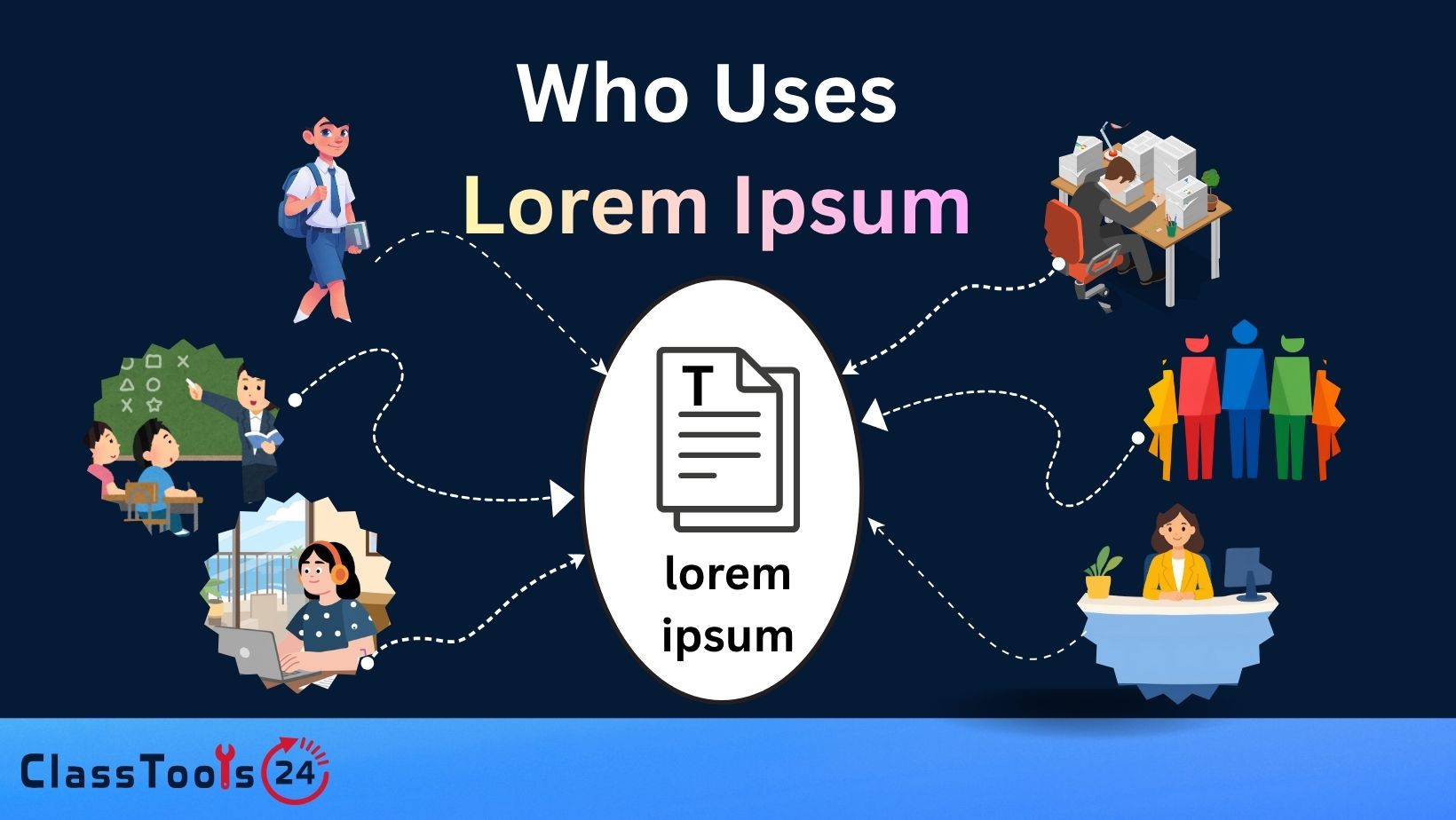
Students can use it for website design assignments, presentation layouts, and document formatting practice. Designers can use it for wireframes, landing pages, app screens, and content cards. Developers can use it to test how text behaves inside responsive sections.
The tool is also useful when you need different content lengths quickly. Instead of cutting and editing one long block of text, you can choose the number of paragraphs or sentences from the start.
Why Customizable Placeholder Text Is Better
Not all placeholder text is equally useful. Fixed text can be too long, too short, or unsuitable for the layout being tested. A customizable generator gives users more control and helps them create a better preview of the final design.
Being able to choose paragraphs or sentences is a major advantage. Paragraphs are useful for article layouts, blog sections, and about pages. Sentences are better for cards, captions, feature blocks, and short descriptions. This flexibility saves time and improves accuracy during testing.
Custom quantity control also improves design quality. When users can generate the exact amount they need, they can test real spacing problems more clearly. This helps avoid layouts that look good in theory but break once real content is added.
Use Cases
1. Designing website layouts
Situation: A student is building a website for a class project. Problem: The layout looks empty and unbalanced without text, making it hard to judge spacing, section height, and typography. Solution: The student uses the Lorem Ipsum Generator to create the exact number of paragraphs needed for each page section. Result: The layout becomes visually complete, and the student can adjust margins, headings, and content blocks with more confidence. This improves the final design before real content is added.
2. Creating UI mockups
Situation: A designer is creating an app interface with cards, labels, and profile sections. Problem: Without realistic text, the interface looks unfinished and does not show how content will fit inside small components. Solution: The designer generates short sentences and places them inside the mockup. Result: The app screen looks closer to a real product. The designer can test whether cards need more space, whether text wraps correctly, and whether buttons remain visible.
3. Preparing presentations
Situation: A student creates slides for a design or business presentation. Problem: Empty text boxes make the slide look incomplete, while writing final text too early slows the visual design process. Solution: The student generates placeholder sentences for each slide section. Result: The slide design becomes balanced and easier to review. The student can focus on layout first, then replace the placeholder text with final speaking points later.
4. Testing responsive webpages
Situation: A developer builds a webpage that must work on desktop, tablet, and mobile screens. Problem: Without enough text, it is difficult to test how paragraphs, cards, and sections behave on smaller screens. Solution: The developer generates multiple paragraphs and tests them inside the layout. Result: The developer can identify overflow, spacing, and readability issues early. This helps create a cleaner responsive design before launch.
5. Practicing document formatting
Situation: A student is learning how to format reports, brochures, or newsletters. Problem: Writing real content takes time and shifts attention away from formatting skills. Solution: The student uses Lorem Ipsum text to fill headings, columns, and paragraphs. Result: The student can practice layout, spacing, font sizes, and alignment without worrying about writing. This makes the learning process faster and more focused.
6. Creating quick content placeholders
Situation: A designer needs filler text for a client mockup before final copy is provided. Problem: Manually writing temporary text takes time and may distract the client from the design. Solution: The designer generates clean placeholder paragraphs using the tool. Result: The mockup looks professional, and the client can review structure, spacing, and layout without focusing on unfinished wording.
7. Building content cards and sections
Situation: A developer is creating feature cards for a homepage. Problem: Some cards have short text while others need longer descriptions, making the layout uneven. Solution: The developer generates sentences of different lengths to test card behavior. Result: The final design handles short and long content better, reducing layout problems later.
Real-World Example
A student is working on a website design assignment for a classroom project. The website includes a homepage, service cards, an about section, and a blog preview area. At first, the design looks incomplete because most sections are empty. The student tries adding random words, but the spacing still does not look realistic.
The student opens the Lorem Ipsum Generator and chooses the number of paragraphs needed for the about section. Then the student generates shorter sentences for the cards and preview blocks. Each section now has content that behaves like real text. The student checks spacing, adjusts font sizes, improves line height, and balances the page layout.
Next, the student views the design on a smaller screen. Some text blocks wrap into too many lines, so the student reduces the card width and adjusts padding. After the layout is stable, the student replaces the placeholder content with real project text. This workflow helps the student separate design testing from content writing.
The outcome is a cleaner and more professional project. The teacher can review the structure clearly, and the student learns how real content affects layout. Instead of guessing, the student uses placeholder text as a practical design tool and improves the final website before submission.
How This Tool Compares to Other Tools
Many Lorem Ipsum generators create basic filler text, but not all give users enough control. ClassTools24 focuses on fast generation, simple controls, and flexible output for students, designers, and developers.
| Feature | ClassTools24 | Typical Tools |
|---|---|---|
| Free to Use | Yes, fully free | Limited or paid |
| No Signup | No account required | Signup required |
| Customization Level | High control over content type and amount | Often limited options |
| Paragraph Control | Users can choose how many paragraphs they need | Fixed or limited paragraph output |
| Sentence Control | Users can generate sentence-based placeholder text | May only generate full blocks |
| Speed | Instant generation | Slower process |
| Ease of Use | Simple interface | Complex controls |
| Flexibility | Useful for mockups, UI, documents, and layouts | Often focused on basic filler text only |
| Education Focus | Helpful for students learning design and formatting | General use only |
FAQs
What is Lorem Ipsum?
Lorem Ipsum is placeholder text used to fill designs, mockups, and layouts before final content is ready.
Can I choose how much text to generate?
Yes, you can choose the number of paragraphs or sentences based on your project needs.
Should I use Lorem Ipsum on a live website?
No, Lorem Ipsum should be replaced with real content before publishing.
Is this tool free?
Yes, the Lorem Ipsum Generator is free to use.
Do I need to install anything?
No, it works online directly in your browser.
Who can use this tool?
Students, teachers, designers, developers, and content creators can use it for layouts and mockups.


