
Convert ODT documents to PDF for easy sharing, printing, and universal access across devices.
Introduction
Students and teachers often use ODT files when working with LibreOffice or OpenOffice. These tools are popular in schools because they are free and easy to access, but problems usually appear when it is time to share documents. A student may complete an assignment in ODT format and send it to a teacher, only to find out later that the file cannot be opened properly. The teacher may not have the right software installed, or the document may not display correctly on their device. This situation becomes stressful, especially when deadlines are near and quick fixes are needed.
Another issue happens when students try to open ODT files on mobile devices. Many phones do not support ODT files easily, or they require additional apps that not every student has installed. Even when the file opens, formatting can break. Headings may shift, images may move, and the document may not look the way it was originally designed. For assignments, reports, or notes, this can create confusion and reduce the overall quality of the work being presented.
Teachers face similar challenges when sharing study material. A teacher may prepare worksheets, notes, or lesson plans in ODT format and share them with a class. Some students will open the file without issues, while others struggle depending on their device. This inconsistency slows down learning and creates unnecessary distractions in the classroom.
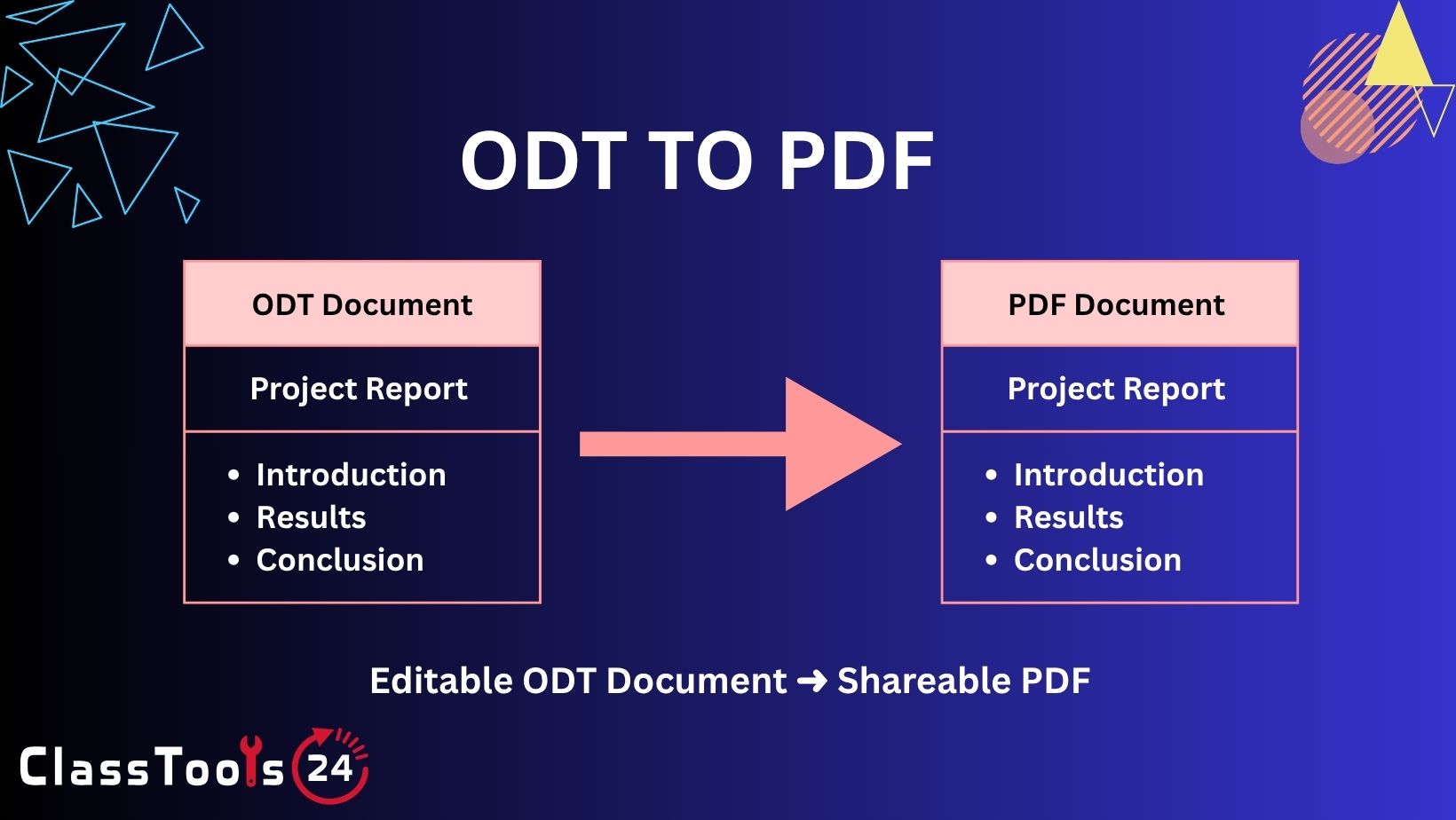
The solution is simple: convert ODT files into PDF format. PDF is a universal format that works across all devices and platforms. It keeps the layout fixed, ensuring that the document looks exactly the same everywhere. The ODT to PDF Converter on ClassTools24 allows students and teachers to make this conversion quickly and without complications. It removes compatibility issues and ensures that documents are ready for sharing, printing, and submission in a reliable format.
What This Tool Does
The ODT to PDF Converter allows you to upload an ODT file and convert it into a PDF document in just a few steps. The process is simple and designed for users who may not have technical experience. You select your file, start the conversion, and download the final PDF within seconds. There is no need to install software or create an account, which makes the tool accessible for students, teachers, and everyday users.
One of the most important features of this tool is that it preserves the original formatting of your document. When you convert an ODT file to PDF, the layout, text alignment, images, and overall structure remain intact. This is essential for assignments and reports where presentation matters. A well-structured document should look the same when it is opened by the teacher or shared with classmates.
The tool also improves accessibility. Once your file is converted to PDF, it can be opened on almost any device without requiring special software. Whether someone is using a mobile phone, tablet, or computer, the PDF file will display correctly. This makes it easier to share documents through email, messaging apps, or learning platforms.
Additionally, the converter works well with other tools available on ClassTools24. For example, you can use Word To PDF for Word documents, Image Compressor to reduce file size when adding images, QR Code Generator to share document links easily, and Random Group Generator to organize classroom activities. These tools together create a complete workflow for students and teachers.
Why ODT to PDF Conversion Matters
ODT files are useful during document creation, but they often cause compatibility issues when shared. Not every device or system supports ODT format by default, which means the receiver may not be able to open the file at all. This creates delays and frustration, especially in academic settings where quick access to documents is important.
Mobile usage is another major challenge. Students today rely heavily on smartphones to read notes, check assignments, and review study material. ODT files are not always mobile-friendly, and even when they open, the experience is not smooth. Converting to PDF solves this problem by creating a file that is easy to scroll, zoom, and read on smaller screens.
Assignment submission is also a key reason for conversion. Teachers prefer files that are easy to open and consistent in formatting. A PDF ensures that the document looks exactly as intended, which helps in fair grading and professional presentation. Converting ODT to PDF removes uncertainty and ensures that your work is presented clearly.
When to Use ODT to PDF Converter
You should use an ODT to PDF converter whenever you need a document to be shared, submitted, or stored in a stable format. One common situation is assignment submission. Students can convert their work into PDF before uploading it, ensuring that teachers can open and review it easily.
Sharing documents is another important use case. Whether you are sending notes to classmates or sharing reports with a teacher, PDF files are more reliable. They open on all devices and reduce the chances of errors.
Printing is also a key reason to convert files. PDF documents maintain consistent layout, which helps produce clean and accurate printouts. This is especially useful for worksheets, study guides, and reports.
Finally, PDF is ideal for archiving. If you want to store documents for long-term use, PDF format ensures that the content remains unchanged and accessible in the future.
Use Cases
1. Submitting assignments in a universal format
Situation: A student prepares an assignment in LibreOffice and saves it as an ODT file. Problem: The teacher cannot open the file properly or sees formatting issues. Solution: The student converts the ODT file into PDF before submitting it. Result: The teacher receives a clean and properly formatted document that is easy to review and grade. This also improves the student’s presentation quality and avoids last-minute issues during submission.
2. Opening ODT files on mobile devices
Situation: A student wants to read notes on a mobile phone while traveling or outside the classroom. Problem: ODT files are difficult to open on mobile devices without special apps. Solution: The student converts the document into PDF format. Result: The file opens smoothly on the phone, making it easy to read and review anytime. This allows students to use their time more effectively for quick revisions.
3. Sharing notes with classmates
Situation: A student shares notes with a group of classmates for exam preparation. Problem: Not all students use the same software, so ODT files may not open correctly. Solution: Convert the notes into PDF format before sharing. Result: Every student can access the notes without compatibility issues. This improves collaboration and ensures everyone studies from the same material.
4. Printing worksheets for class
Situation: A teacher prepares worksheets in ODT format and wants to print them. Problem: Printing directly from ODT can cause layout issues depending on the system. Solution: Convert the file into PDF before printing. Result: The printed worksheets look clean and match the original design. This ensures students receive properly formatted study material.
5. Sending documents via email
Situation: A student needs to send a report to a teacher through email. Problem: The teacher may not have software to open ODT files. Solution: Convert the document into PDF format before sending. Result: The teacher can open the file easily on any device. This also makes the document appear more professional.
6. Organizing study materials
Situation: Students collect multiple documents during a semester. Problem: Managing different file formats becomes confusing. Solution: Convert all ODT files into PDF format. Result: Study materials become organized, easy to access, and simple to review before exams. Students can also combine PDFs for better organization.
Real-World Example
Consider a student preparing a final report using LibreOffice. The document includes headings, images, charts, and formatted sections. After completing the report, the student sends the ODT file to the teacher. However, the teacher uses a different system and struggles to open the file correctly. The layout appears broken, and some parts of the document are difficult to read.
The student then uses the ODT to PDF Converter on ClassTools24. Within seconds, the document is converted into a PDF file. The student sends the PDF version to the teacher, who can now open it without any issues. The formatting remains intact, and the report looks exactly as intended.
Later, the student prints the PDF for personal reference and uses it for exam revision. The same file is also shared with classmates who can open it easily on their phones. This simple conversion step improves the entire process, making the document more accessible, readable, and professional.
How This Tool Compares to Other Tools
Many online converters exist, but not all are designed for students and teachers. Some tools are complicated, require signup, or limit usage. ClassTools24 focuses on simplicity and ease of use, making it ideal for everyday educational tasks.
| Feature | ClassTools24 | Typical Tools |
|---|---|---|
| Free to Use | Yes, fully free | Often limited or paid |
| No Signup | No account required | Signup required |
| Speed | Fast conversion | Slower processing |
| Ease of Use | Simple and clear | Complex steps |
| Privacy | Secure handling | Unclear policies |
| Education Focus | Designed for students and teachers | General-purpose only |
FAQs
Can I convert ODT files without installing software?
Yes, the tool works completely online.
Is this tool free?
Yes, it is free to use with no signup required.
Will my formatting stay the same?
Yes, the PDF keeps your original layout.
Can I use it on mobile?
Yes, it works on all devices.
Are my files secure?
Yes, files are processed securely.
Why convert ODT to PDF?
PDF files are easier to share, open, and print.


