A practical classroom workflow for using QR codes to guide station activities, group tasks, quizzes, videos, and student reflection.
Interactive Learning Stations With QR Codes
Interactive learning stations work best when students know exactly where to go, what to do, and how to begin. The idea is simple: instead of keeping the whole class on one activity, the teacher creates several small stations around the room. Each station has a focused task. One station may ask students to watch a short explanation. Another may ask them to complete a quiz. A third may include a reading passage, discussion prompt, or hands-on activity. When QR codes are added to this setup, the station becomes easier to manage because each group can scan the code and open the correct resource without waiting for repeated instructions.
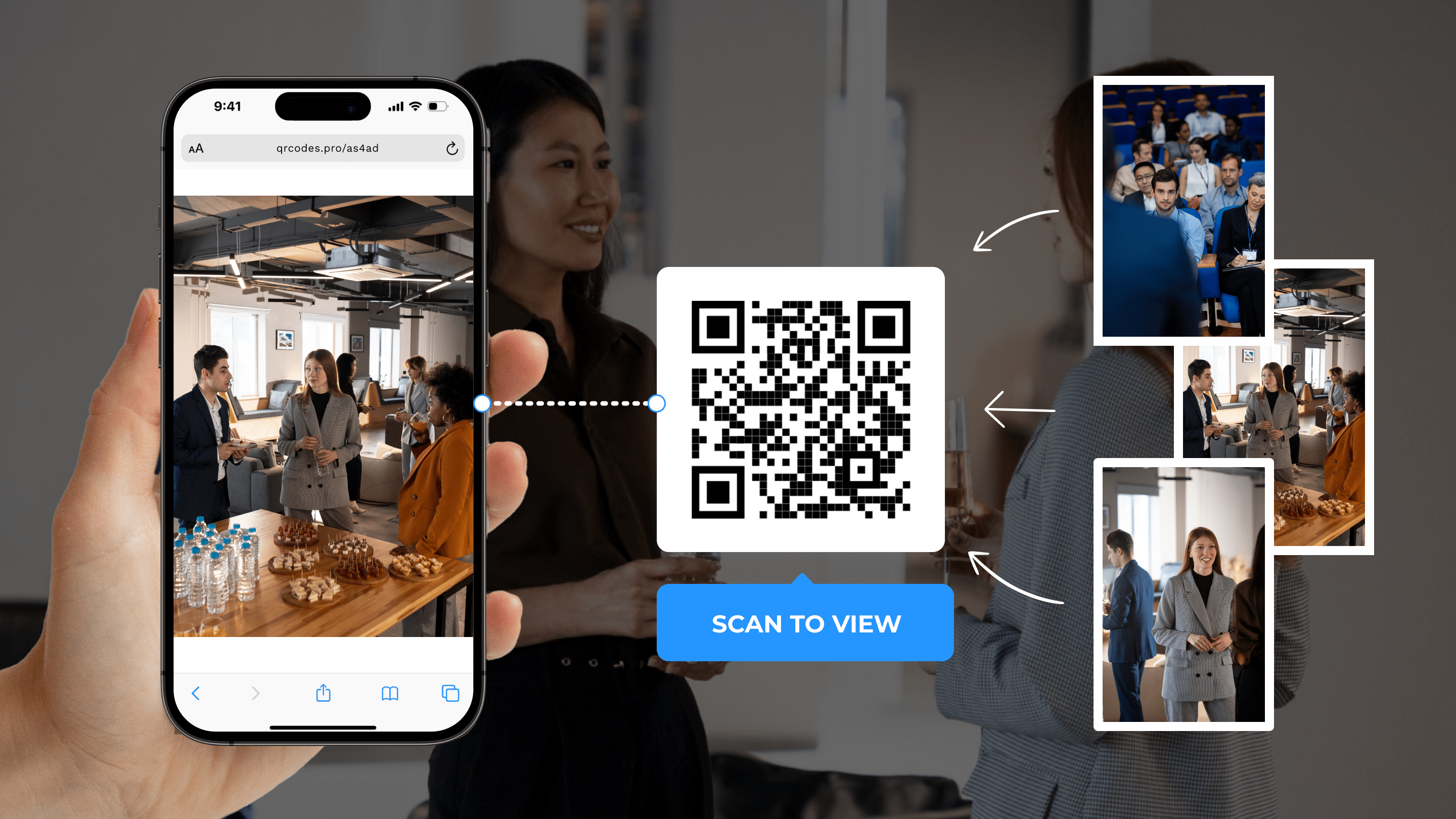
This is where the QR Code Generator becomes useful for real classroom work. The teacher prepares the links before class, creates a QR code for each station, prints or displays the codes, and places them near the activity area. Students scan the code when they arrive and move directly into the task. It reduces link confusion, saves transition time, and gives the teacher more freedom to observe learning instead of solving access problems.
Why QR Codes Improve Station Work
Station activities often fail when the instructions are not clear enough. Students may ask where the video is, which form to open, where the worksheet is stored, or what they should do after finishing. QR codes help because every station can carry its own instructions and digital resource. The code becomes a clear entry point. Students do not need to search through messages, copy a long URL, or wait for the teacher to resend a link.
This small change can make the room feel more organized. Students move with more purpose. Groups begin faster. The teacher spends less time repeating technical steps and more time listening to student thinking. For classes with mixed learning speeds, this is especially helpful. Fast groups can continue to the next station while other students take more time without stopping the whole lesson.
A Real Classroom Example
Imagine a teacher planning a 45-minute science lesson about ecosystems. Instead of giving one long explanation, the teacher creates four stations. Station one has a short video about food chains. Station two has a reading passage with key vocabulary. Station three has a quick Google Form quiz. Station four asks students to build a simple food web on paper and upload a photo of their work later.
Each station has a QR code. Students scan station one and watch the video. They scan station two and open the reading. They scan station three and complete the form. At station four, the QR code opens the task instructions and a sample image. The teacher does not need to write four long links on the board. The students do not need to ask which resource belongs to which station. The room has structure, and the lesson can move at a better pace.
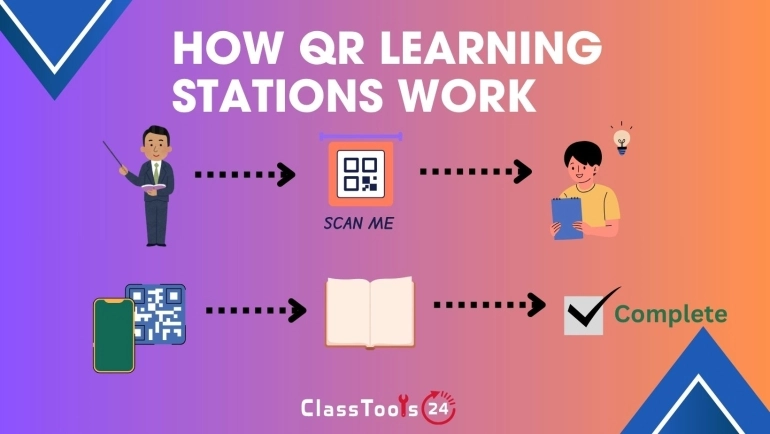
How To Set Up QR Code Learning Stations
Start with the learning goal, not the technology. Decide what students should understand or practice by the end of the activity. Then divide that goal into smaller tasks. A good station should have one clear purpose. If a station tries to do too many things, students may rush or become confused.
After the tasks are planned, prepare the digital resources. These might include videos, slides, reading pages, forms, documents, images, or assignment instructions. Create one QR code for each station. Use a short label under every code, such as “Watch the video,” “Answer the quiz,” “Read the example,” or “Open the reflection form.” A label makes the code easier to understand before students scan it.
Before class begins, scan every QR code yourself. This is important. A code may be correct, but the resource may still have permission issues. If students need access to a Google Form, shared file, or learning platform page, check that the link works from a student account or a device similar to what students will use.
Station Ideas Teachers Can Use
- Video station: students watch a short clip and answer two guiding questions.
- Quiz station: students scan a code that opens a quick Google Form or practice quiz.
- Reading station: students open a short passage, article, or vocabulary list.
- Discussion station: students scan a prompt and talk through it in pairs or groups.
- Practice station: students open a worksheet, example problem, or review task.
- Reflection station: students submit what they learned before moving on.
- Project station: students open instructions for a creative or hands-on task.
How QR Stations Support Different Learners
Not every student learns best from the same format. Some students understand more when they watch a short video. Others need to read slowly. Some learn by talking with classmates, and others need a quiet written task before they feel ready to share. QR code stations make it easier to mix these formats in one lesson.
This does not mean the classroom becomes unstructured. In fact, the opposite is true. A well-designed station rotation gives students choice within boundaries. The teacher decides the tasks, the order, the timing, and the expected outcome. The QR codes simply help students access each part without friction.
Managing Movement And Timing
Movement is useful only when it is managed well. Before starting, explain how groups will rotate, how much time they have, and what they should do if they finish early. A timer on the board can help. So can a simple rotation chart. For random teams, the Random Group Generator can help form groups quickly, while the Wheel of Names can choose which group shares first.
For younger students, fewer stations may work better. Three strong stations are often better than six rushed ones. For older students, more independent stations can work well if the instructions are clear and the resources are tested in advance.
Assessment And Evidence Of Learning
Interactive stations should still produce evidence of learning. A QR code can open a quiz, reflection form, shared document, or upload instruction. This helps the teacher see what students completed and where they struggled. If students create images, posters, or handwritten work, they can photograph the result and submit it later. If files need to be prepared for submission, tools like the Image Compressor, PNG to PDF Converter, and JPG to PDF Converter can support the workflow.
The teacher can also use station results to plan the next lesson. If many students miss the same quiz question, that topic may need review. If a reflection form shows confusion, the teacher can adjust the next activity. QR stations are not only about movement. They can also create a cleaner feedback loop.
Comparison: Traditional Stations Vs QR Code Stations
| Classroom Need | Traditional Station Setup | QR Code Station Setup |
|---|---|---|
| Opening resources | Students copy links, search files, or wait for directions. | Students scan the station code and open the exact resource. |
| Teacher workload | The teacher often repeats instructions at each table. | The teacher can focus more on guidance and observation. |
| Student independence | Groups may depend heavily on teacher reminders. | Each station carries its own access point and task label. |
| Lesson flow | Transitions can become slow or noisy. | Transitions are clearer because students know what to scan next. |
| Evidence of learning | Work may stay on paper or become hard to collect. | Forms, uploads, and digital reflections can be linked directly. |
Trust And Classroom Safety
A QR code should always point to a safe and relevant resource. Teachers should preview every destination before class and avoid linking to pages with distracting ads, unrelated content, or confusing login screens. If the link opens student data, private folders, or school-only resources, permissions must be checked carefully. A QR code does not protect a private link. It only makes the link easier to open.
For public displays, use resources that are safe for anyone to view. For classroom-only activities, make sure the sharing settings match the intended audience. This is a simple habit, but it protects students and keeps the lesson professional.
Frequently Asked Questions
What are interactive learning stations?
Interactive learning stations are activity points around the classroom where students complete different tasks, such as watching a video, reading, answering questions, discussing ideas, or creating work.
How do QR codes help with station activities?
QR codes give each station a direct link to its resource or instruction. Students scan the code and open the correct task without copying long URLs or waiting for repeated directions.
Can QR stations work for group learning?
Yes. QR code stations work well for pairs, small groups, and rotating teams because every group can access the same task quickly at each station.
Should teachers test QR codes before class?
Yes. Teachers should scan every QR code before the lesson to confirm that the link works, the resource opens correctly, and students have permission to access it.
What tools pair well with QR code stations?
Teachers can pair QR codes with tools for group creation, quizzes, PDF resources, image compression, classroom certificates, and reflection forms depending on the lesson goal.
Final Thought
Interactive learning stations with QR codes are not about adding technology for show. They are about making classroom movement, resource sharing, and student access smoother. When the tasks are well planned and the links are tested, QR codes can help students begin faster, work more independently, and stay focused on the learning instead of the logistics.